Elite Match – Online Matrimonial Website for Finding Life Partners
Elite Match is a PHP/MySQL-based matrimonial platform where users create detailed profiles, search matches by preferences, and connect with potential partners via a user-friendly and responsive web interface.

Elite Match - Matrimonial Website
Elite Match is a comprehensive matrimonial web application built with PHP and MySQL that helps people find their perfect life partners. The platform provides a user-friendly interface for creating profiles, searching for matches, and connecting with potential partners.
Project Overview
Elite Match is a feature-rich matrimonial website that facilitates matchmaking by allowing users to create detailed profiles, search for compatible matches based on various criteria, and express interest in potential partners. The platform includes both user-facing features and an administrative panel for managing the system.
Key Features
User Features
- User Registration & Authentication
- Secure user registration with detailed profile information
- Login/logout functionality with session management
- Profile picture upload
- Comprehensive Profile Management
- Personal details (name, age, height, weight, complexion)
- Contact information (email, mobile, location)
- Religious and cultural preferences (religion, caste, mother tongue)
- Educational and professional background
- Family details (father/mother occupation, siblings)
- Lifestyle preferences (diet, blood group, marital status)
- Advanced Matchmaking
- Browse potential matches based on preferences
- Filter matches by age, religion, caste, location, etc.
- View detailed profiles of potential partners
- Express interest in profiles
- View who has shown interest in your profile
- Profile Preferences
- Set detailed partner preferences
- Specify age range, height, complexion preferences
- Religious and cultural compatibility filters
- Lifestyle preference matching
Administrative Features
- Admin Dashboard
- Modern SB Admin 2 interface
- Comprehensive user management
- System statistics and analytics
- City Management
- Add, edit, and remove cities
- Manage location database for better matching
- User Management
- View all registered users
- Monitor user activities
- Profile moderation capabilities
Technology Stack
- Frontend:
- HTML5, CSS3, JavaScript
- Bootstrap 3.1.1 for responsive design
- jQuery 2.2.3 for DOM manipulation
- Font Awesome for icons
- Owl Carousel for image sliders
- Responsive design with mobile compatibility
- Backend:
- PHP (Server-side scripting)
- MySQL (Database management)
- Session management for authentication
- Additional Libraries:
- jQuery UI for enhanced user interfaces
- Magnific Popup for image galleries
- Responsive Tabs for organized content display
- SB Admin 2 for administrative interface
Project Structure
text
matrimonial/
├── index.php              # Homepage
├── register.php           # User registration
├── login.php              # User login
├── profile.php            # User profile management
├── matches.php            # Browse matches
├── interest.php           # Interest management
├── about.php              # About page
├── contact.php            # Contact page
├── dbconfig.php           # Database configuration
├── matrimonial.sql        # Database schema
├── admin/                 # Administrative panel
│   ├── index.php          # Admin dashboard
│   ├── login.php          # Admin login
│   ├── viewuser.php       # User management
│   ├── addcity.php        # City management
│   └── ...
├── css/                   # Stylesheets
├── js/                    # JavaScript files
├── images/                # Image assets
└── fonts/                 # Font files
nstallation Guide
Prerequisites
- XAMPP/WAMP/LAMP server
- PHP 7.0 or higher
- MySQL 5.6 or higher
- Web browser
Step 1: Setup Local Server
- Download and install XAMPP from https://www.apachefriends.org/
- Start Apache and MySQL services from XAMPP Control Panel
Step 2: Clone/Download Project
- Clone this repository or download the ZIP file
- Extract the project to your XAMPP htdocs directory:
text
/Applications/XAMPP/xamppfiles/htdocs/matrimonial/
Step 3: Database Setup
- Open phpMyAdmin in your browser:
http://localhost/phpmyadmin - Create a new database named
matrimonial - Import the database schema:
- Click on the
matrimonialdatabase - Go to the "Import" tab
- Select the
matrimonial.sqlfile from the project root - Click "Go" to import
Step 4: Database Configuration
- Open
dbconfig.phpfile in the project root - Update the database connection settings if needed:
php
<?php
$servername = "localhost";
$username = "root";
$password = "";
$dbname = "matrimonial";
?>
Step 5: Access the Application
- Open your web browser
- Navigate to:
http://localhost/matrimonial/ - The application should now be running
Default Login Credentials
Admin Panel Access
- URL:
http://localhost/matrimonial/admin/ - Email:
admin@gmail.com - Password:
111111
Sample User Accounts
The database comes with sample user accounts:
- Email:
avni@gmail.com| Password:111111 - Email:
anshu@gmail.com| Password:111111 - Email:
naveen@gmail.com| Password:111111
Features in Detail
User Registration Process
- Multi-step registration form
- Personal information collection
- Family background details
- Partner preferences setup
- Profile picture upload
Matching Algorithm
- Age compatibility matching
- Religious and cultural preferences
- Location-based matching
- Educational background compatibility
- Lifestyle preference alignment
Interest Management
- Express interest in profiles
- View received interests
- Mutual interest notifications
- Profile interaction tracking
Customization
Adding New Cities
- Login to admin panel
- Navigate to City Management
- Add new cities for location filtering
Modifying User Fields
- Update database schema in
matrimonial.sql - Modify registration forms in
register.php - Update profile display pages
Styling Customization
- Modify CSS files in the
css/directory - Update Bootstrap components
- Customize color schemes and layouts
Contributing
- Fork the repository
- Create a feature branch
- Commit your changes
- Push to the branch
- Create a Pull Request
License
This project is open-source and available under the MIT License.
Known Issues & Future Enhancements
Current Limitations
- Basic search functionality (can be enhanced with advanced filters)
- Limited notification system
- Basic messaging system (could be improved)
Planned Enhancements
- Real-time chat functionality
- Advanced matching algorithms
- Email notifications
- Mobile app development
- Payment integration for premium features
- Enhanced security features
Support
For support and queries:
- Create an issue in the repository
- Contact: [Your Email]
- Documentation: Check the code comments for detailed information
Acknowledgments
- Bootstrap team for the responsive framework
- Font Awesome for icons
- SB Admin for the administrative template
- jQuery team for JavaScript libraries
Product Demo Video
Lifetime updates
Access the latest features as they ship.Instant download
Start building within minutes.Team friendly
Share with collaborators and clients.Technologies used
Tags
Customer reviews
0 totalNo reviews yet
Be the first to share your experience with this product.
Share your experience
Your feedback helps other builders decide faster.
You\'ve reached the end of our catalog.
You might also like
Browse all products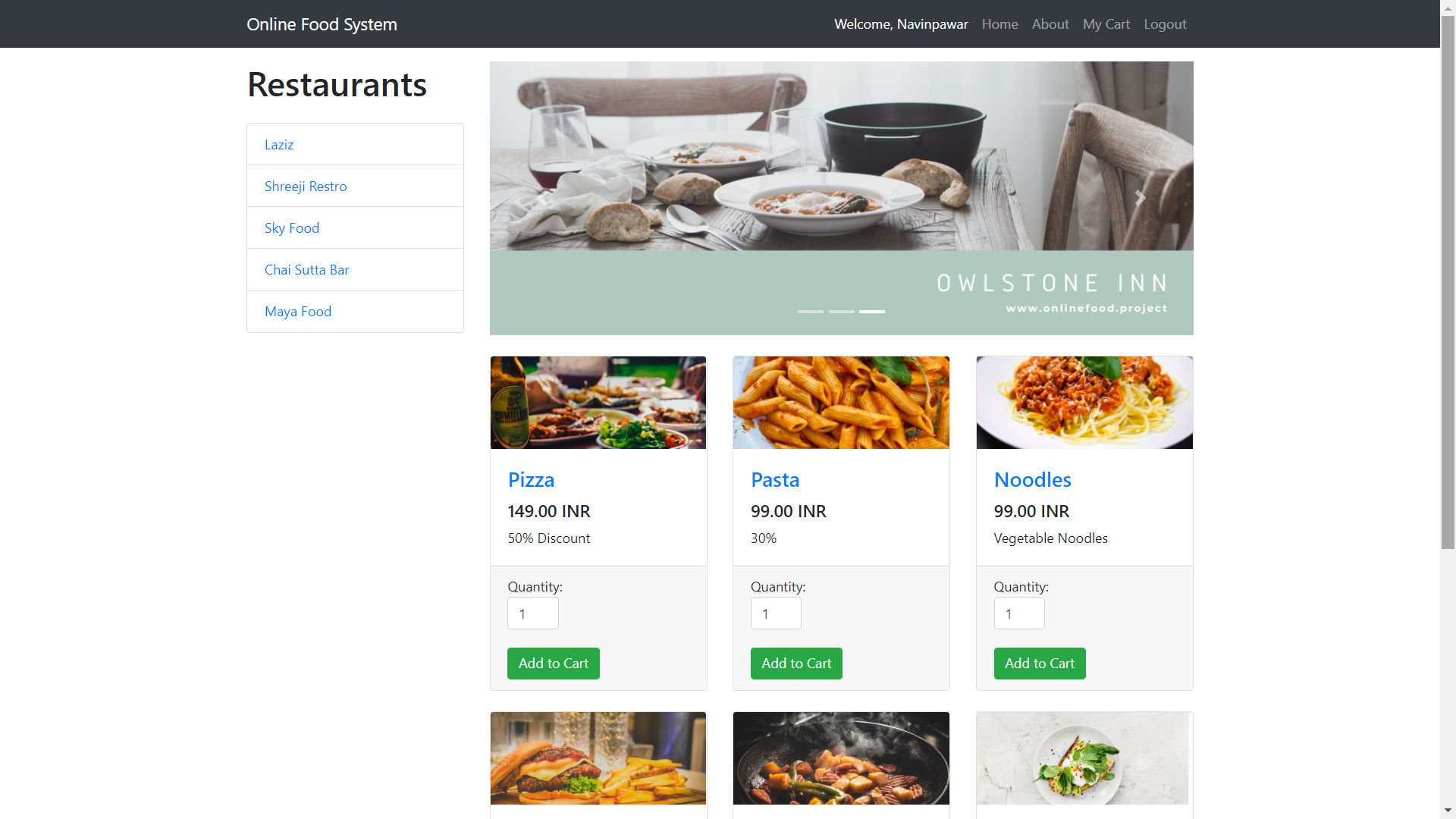
Online Food Ordering System in PHP with Source Code (Free Download)
A complete food ordering system built using PHP, MySQL, HTML, CSS, JavaScript, and AJAX.

Paying Guest Accommodation System Using PHP and MySQL
PHP MySQL Paying Guest System with Admin, Owner, and User panels for PG searching, booking, listing management, and notifications — secure,…

News Aggregator Backend API | ASP.NET Core, MySQL, GNews Integration
Robust News Aggregator Backend API built with ASP.NET Core 8.0, MySQL, JWT auth. Features secure user registration, news sync from GNews API…