Live Weather App – Real-Time City Weather Updates
Real-time weather forecast app built with Django and Python. Enter any city to get instant temperature, sky conditions, and weather icons using live data from OpenWeatherMap. Mobile-friendly, supports search history and predictive analytics.

Real-Time Weather Forecasting
This project delivers a live, responsive weather forecasting web application built with Django and Python. Users can enter any city name to instantly view current temperature, weather conditions, and icon from OpenWeatherMap. The backend integrates with the OpenWeatherMap API and uses a decision tree algorithm to enhance forecasting based on historical data, providing an accurate and educational weather experience for travelers, planners, and daily users.
Features
- Live weather updates: Fetch up-to-date weather info for any global location via OpenWeatherMap API.
- Decision tree predictions: Use machine learning to analyze and predict trends based on historical data (can be further customized as needed).
- User-friendly interface: Clean, responsive UI for desktop and mobile.
- Error handling: Provides helpful notifications if weather data is unavailable or there is a problem with the search.
- Recent searches: Optionally tracks last queries to improve user experience.
- Modern visuals: Weather icons, clear formatting for conditions and temperature.
Requirements
- Python 3.6 or higher
- Django 3.2.7 or higher
- requests 2.26.0 or higher
- OpenWeatherMap API key
Installation Steps
- Clone or download the project and navigate into the directory:
text
cd real-time-weather-forecasting
- Create and activate a Python virtual environment:
text
python3 -m venv env
source env/bin/activate
- Install required dependencies:
text
pip install -r requirements.txt
- Create a
.envfile in the root directory and add:
text
SECRET_KEY=your_secret_key_here
DEBUG=True
- (Replace with your actual Django secret key)
- Run database migrations:
text
python manage.py migrate
- Collect static files:
text
python manage.py collectstatic
- Start the development server:
text
python manage.py runserver
- Open your browser to http://localhost:8000/ to see the app in action.
Usage
- Enter a city name in the search bar for instant weather details.
- View real-time temperature, sky conditions, and a weather icon.
- Review previous search history, if enabled.
Technologies Used
- Django: Python-based web framework manages routing, backend logic, user submissions, and data storage.
- OpenWeatherMap API: Provides live weather data for queried locations.
- Decision Trees: Implements custom forecasting logic using historical weather data to supplement live readings.
- HTML, CSS, JavaScript: Front-end technologies for responsive and interactive user interface.
Sample Logging Description
This application actively logs user queries, API responses, internal errors, and weather prediction processes:
- Each user search for a city weather is timestamped and saved in the database.
- API responses (temperature, description, icon) are recorded per request.
- Decision tree predictions are logged, including input features and output class.
- Errors—such as unreachable API, invalid input, or failed predictions—are clearly recorded with context for rapid troubleshooting.
- All logs are aggregated for both live monitoring and retrospective analysis by app admins.
Lifetime updates
Access the latest features as they ship.Instant download
Start building within minutes.Team friendly
Share with collaborators and clients.Technologies used
Tags
Customer reviews
0 totalNo reviews yet
Be the first to share your experience with this product.
Share your experience
Your feedback helps other builders decide faster.
You might also like
Browse all products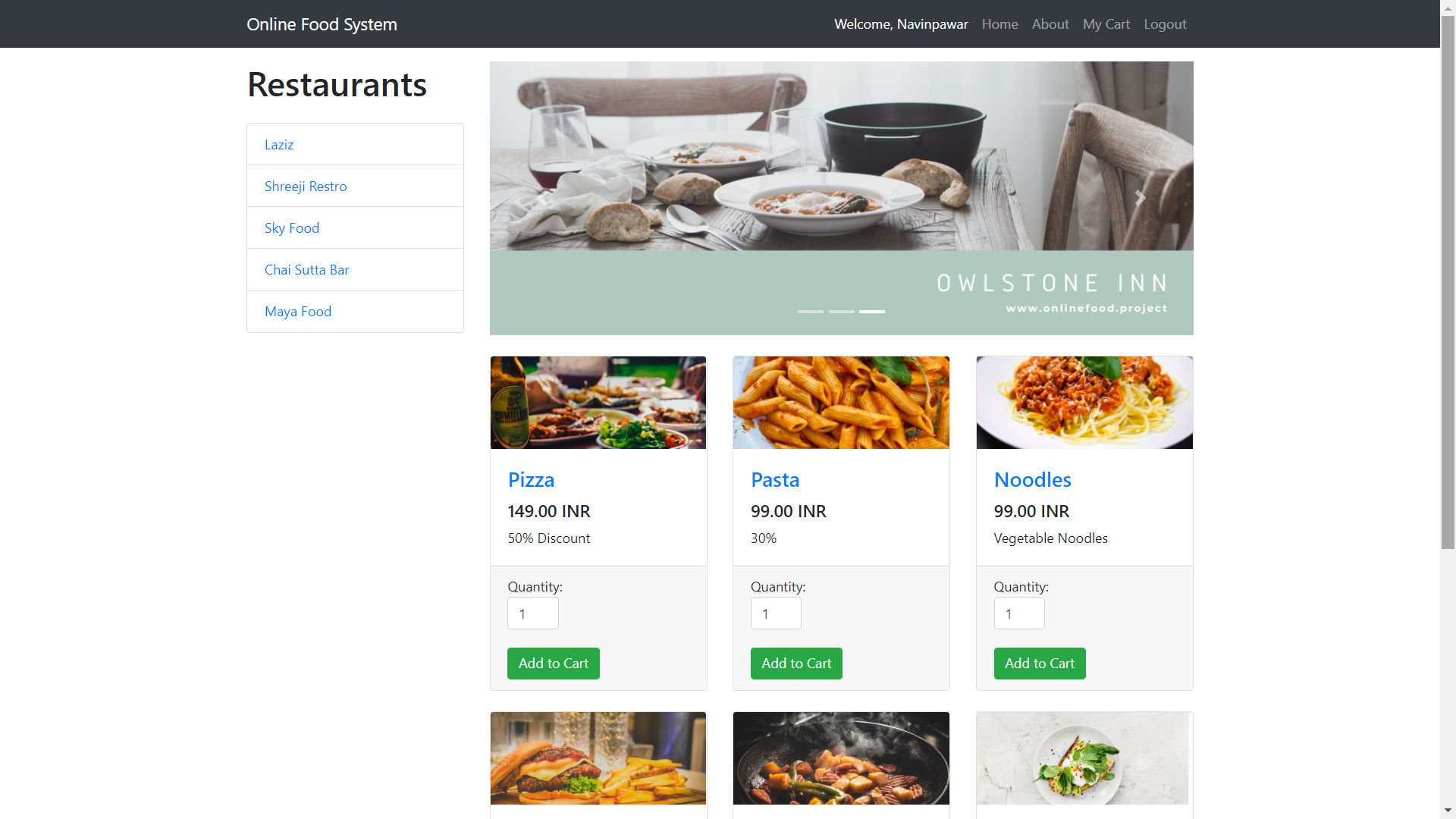
Online Food Ordering System in PHP with Source Code (Free Download)
A complete food ordering system built using PHP, MySQL, HTML, CSS, JavaScript, and AJAX.

Paying Guest Accommodation System Using PHP and MySQL
PHP MySQL Paying Guest System with Admin, Owner, and User panels for PG searching, booking, listing management, and notifications — secure,…

News Aggregator Backend API | ASP.NET Core, MySQL, GNews Integration
Robust News Aggregator Backend API built with ASP.NET Core 8.0, MySQL, JWT auth. Features secure user registration, news sync from GNews API…